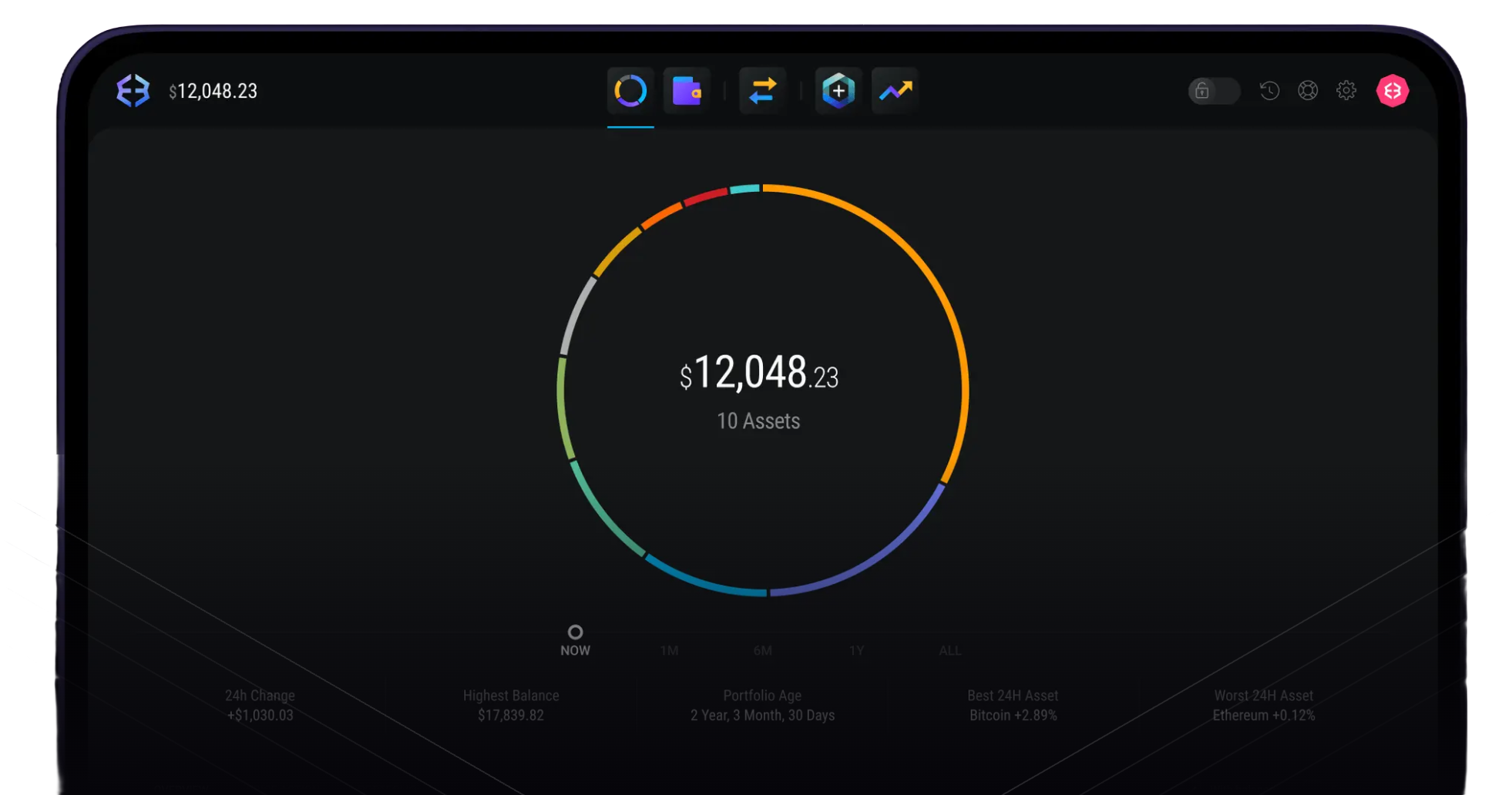
Desktop wallet


Use the desktop app to review balances, send and receive crypto, swap assets, and manage wallet backup details from a larger screen.
Use the desktop app to review balances, send and receive crypto, swap assets, and manage wallet backup details from a larger screen.
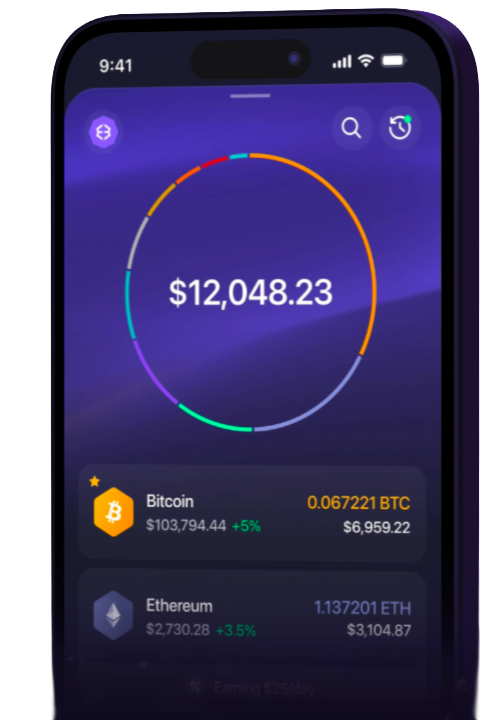
Use the mobile app to check balances, receive payments, send crypto, and handle everyday wallet activity from your phone.
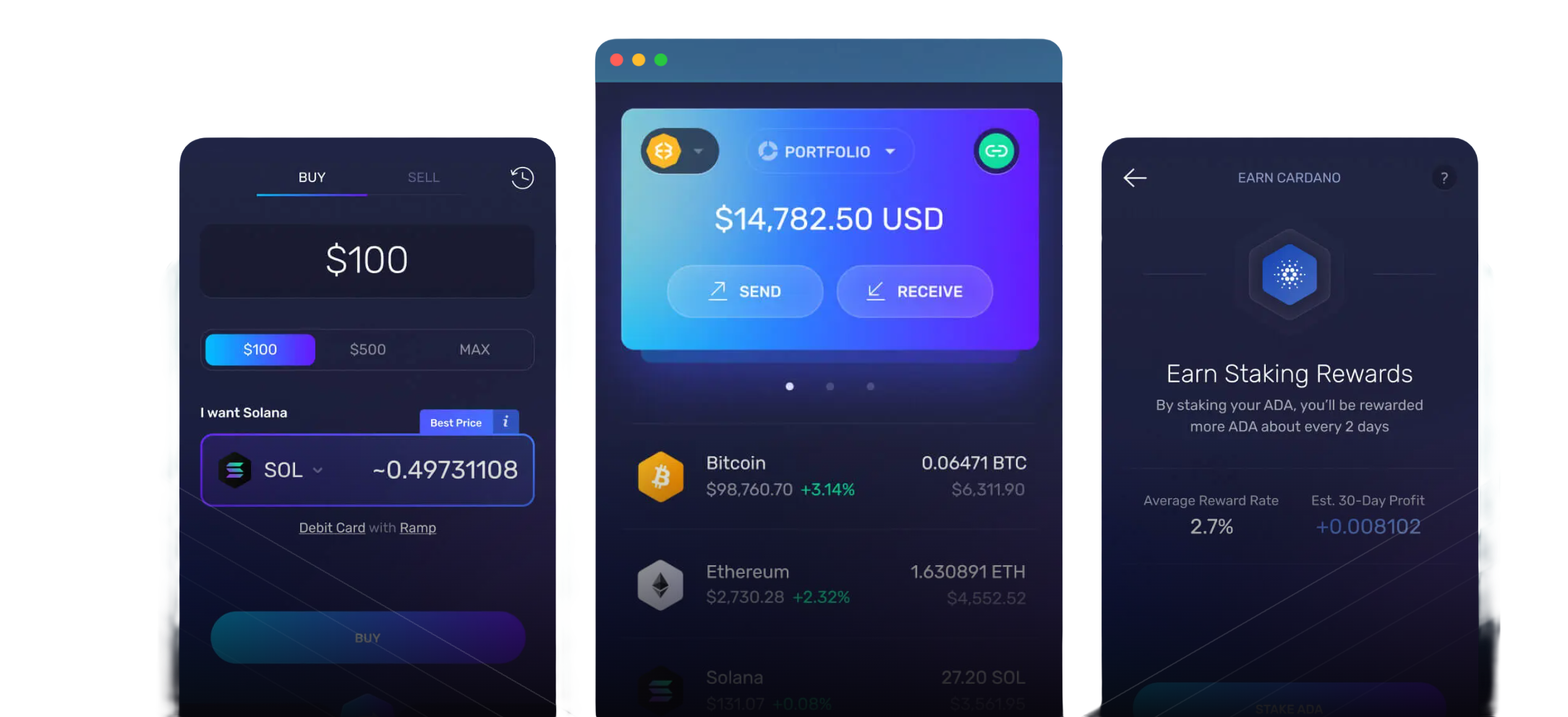
 Download Chrome and Brave
Use the browser extension to connect to Web3 apps, review wallet permissions, and confirm network details before signing.
Pair Exodus Desktop with a Trezor device when you want hardware confirmation for key wallet actions.
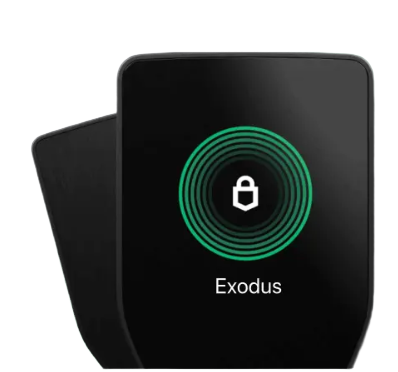
Use Exodus Mobile with Ledger to review assets on your phone while confirming sensitive actions on hardware.
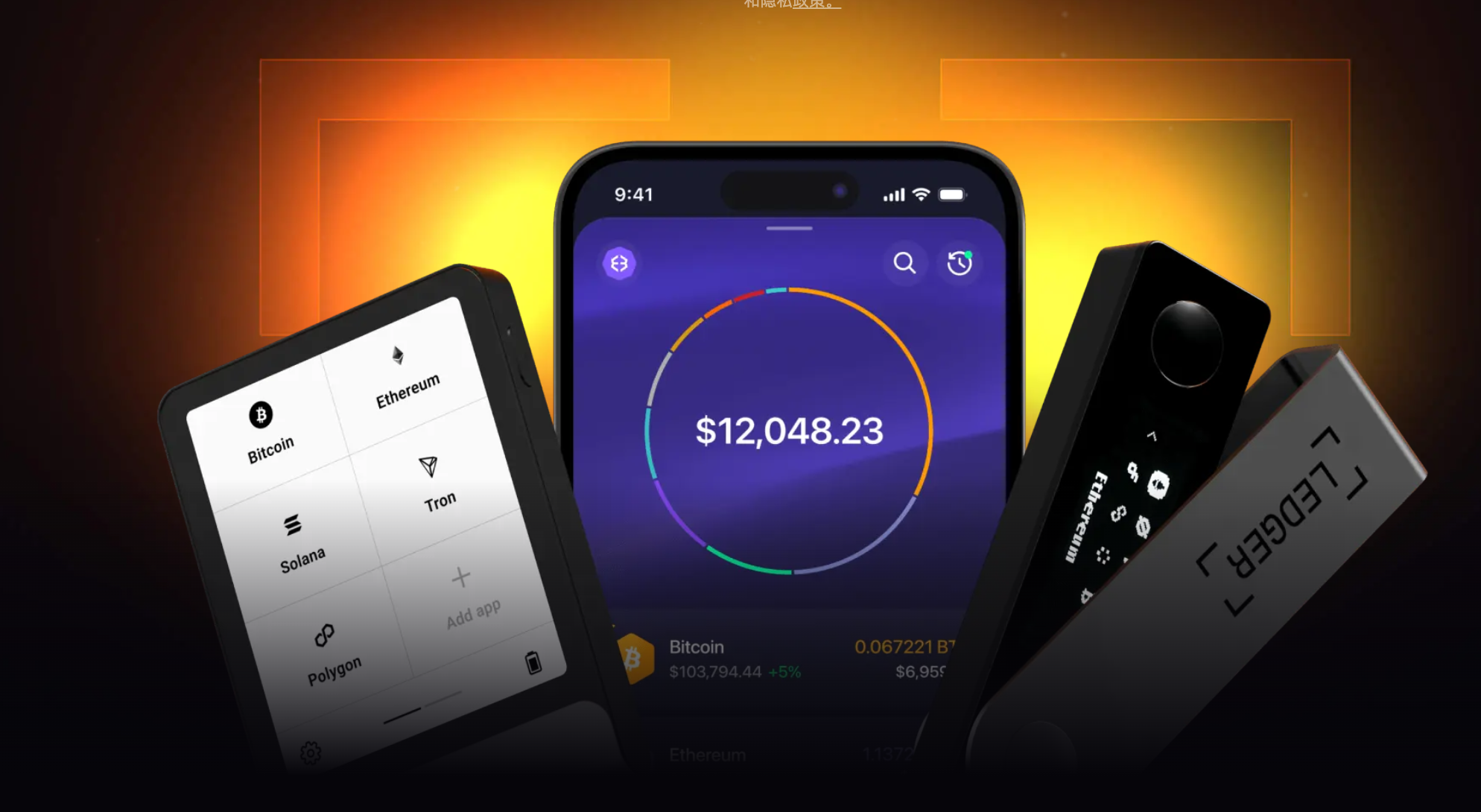
Manage Bitcoin, Ethereum, Solana, stablecoins, and other supported assets across wallet, swap, staking, and portfolio views.











Select the desktop app, mobile app, or browser extension that matches your device and wallet use case.
Create a new wallet or restore an existing one with your recovery phrase. Store the phrase offline and keep it private.
Before sending, swapping, or connecting to a Web3 app, check the network, address, fees, and permission details.
Choose desktop, mobile, or browser access depending on how you manage and review crypto assets.
Your recovery phrase and wallet access stay under your control, so backup and verification remain essential.
Use Exodus to review balances, send and receive assets, swap supported crypto, and track your portfolio.


Use supported Ledger or Trezor devices to add hardware confirmation to selected wallet workflows.
Choose the desktop app for computer-based wallet management, the mobile app for phone use, or the browser extension for Web3 connections.
After setup, you can use supported wallet functions such as viewing balances, sending and receiving crypto, swapping assets, and tracking your portfolio.
Yes. You can restore your wallet on another supported device with the correct recovery phrase. Keep that phrase private and stored offline.
Exodus supports selected Ledger and Trezor hardware wallet workflows. Availability can depend on device model, platform, and wallet version.