
Passkey protection
Use device-level passkeys where supported to simplify access while keeping wallet verification tied to your device.
Manage Bitcoin, Ethereum, Solana, stablecoins, and other crypto assets across desktop, mobile, and browser environments.
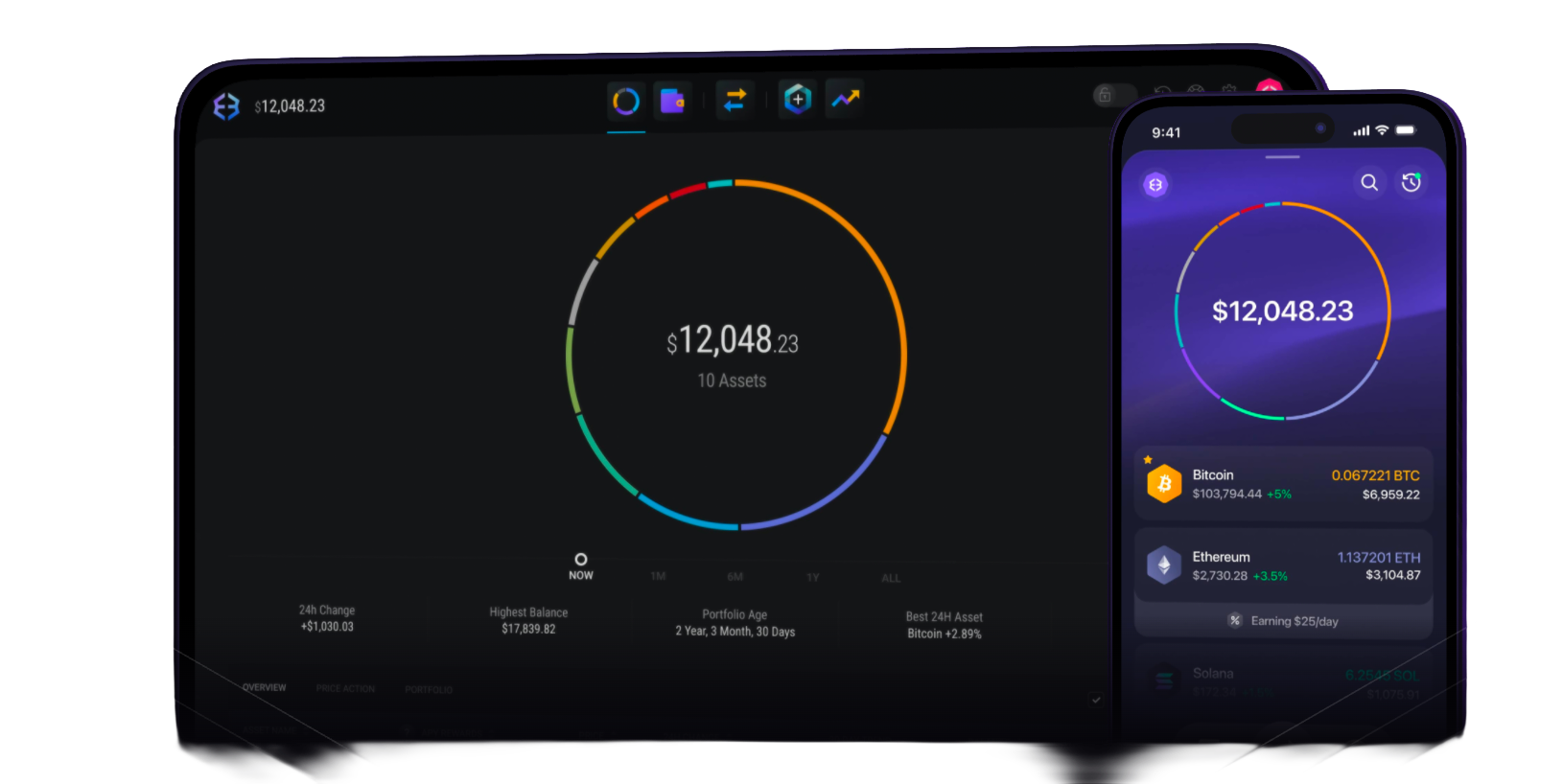
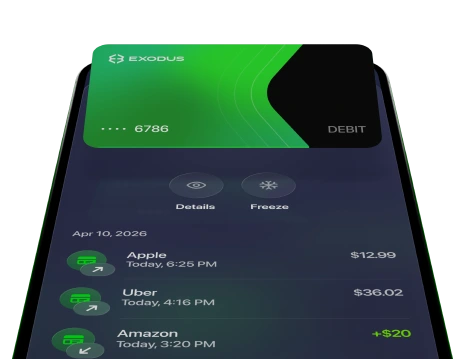
Exodus Pay connects wallet activity with supported payment and card features, making crypto easier to use beyond holding assets.

Review quotes, network details, and fees before swapping supported assets from the wallet interface.

Use supported payment providers to buy crypto, then review balances, transaction history, and wallet activity in Exodus.

Check supported staking assets, reward terms, lockup rules, and network requirements before participating.

View balances and activity for major crypto assets, including Bitcoin, Ethereum, USDT, USDC, Solana, and other supported networks.







Use device-level passkeys where supported to simplify access while keeping wallet verification tied to your device.
Find support for wallet setup, recovery, transfers, swaps, display issues, and common account questions.

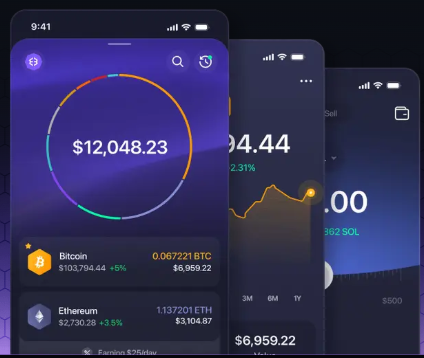
Review balances, price movements, portfolio activity, and key wallet actions from a clear product interface.
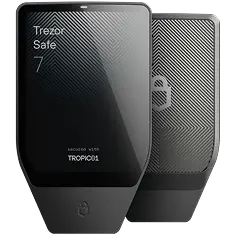
Pair Exodus with supported Ledger or Trezor hardware wallets for added confirmation on important wallet actions.
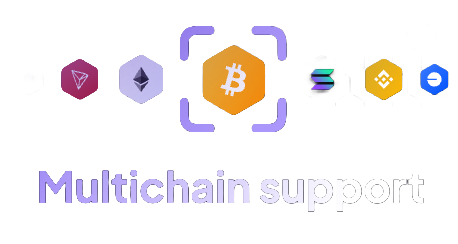
Work with supported assets across multiple networks without constantly switching between separate wallet tools.
Where available, Exodus Pay and card features can bring crypto closer to everyday spending use cases.
Exodus Wallet is used to view crypto balances, send and receive assets, swap supported tokens, connect to Web3 tools, and manage recovery phrase access in a self-custody environment.
Yes. Exodus is built around self-custody, which means you are responsible for your recovery phrase, wallet access, device security, and transaction confirmations.
Exodus supports many major assets and networks, including Bitcoin, Ethereum, USDT, USDC, Solana, BNB, XRP, TRON, Chainlink, and Avalanche. Availability can vary by feature.
Exodus can be used across desktop, mobile, and browser environments. Always restore wallets only with your own recovery phrase and verify each device before use.
Exodus includes swap access and staking options for supported assets. Quotes, rewards, fees, and availability depend on the asset, network, region, and third-party services.
Check the network, receiving address, amount, asset type, fees, and authorization details before sending funds, swapping assets, or connecting to a Web3 application.
Choose the desktop, mobile, or browser version of Exodus Wallet based on how you manage crypto most often.