

Get Exodus Mobile
Install the mobile wallet on iOS or Android before connecting supported Ledger workflows.
Get mobile app1Use a Ledger hardware wallet with Exodus to review assets, confirm transactions, and keep sensitive actions tied to your device.
 Get Exodus
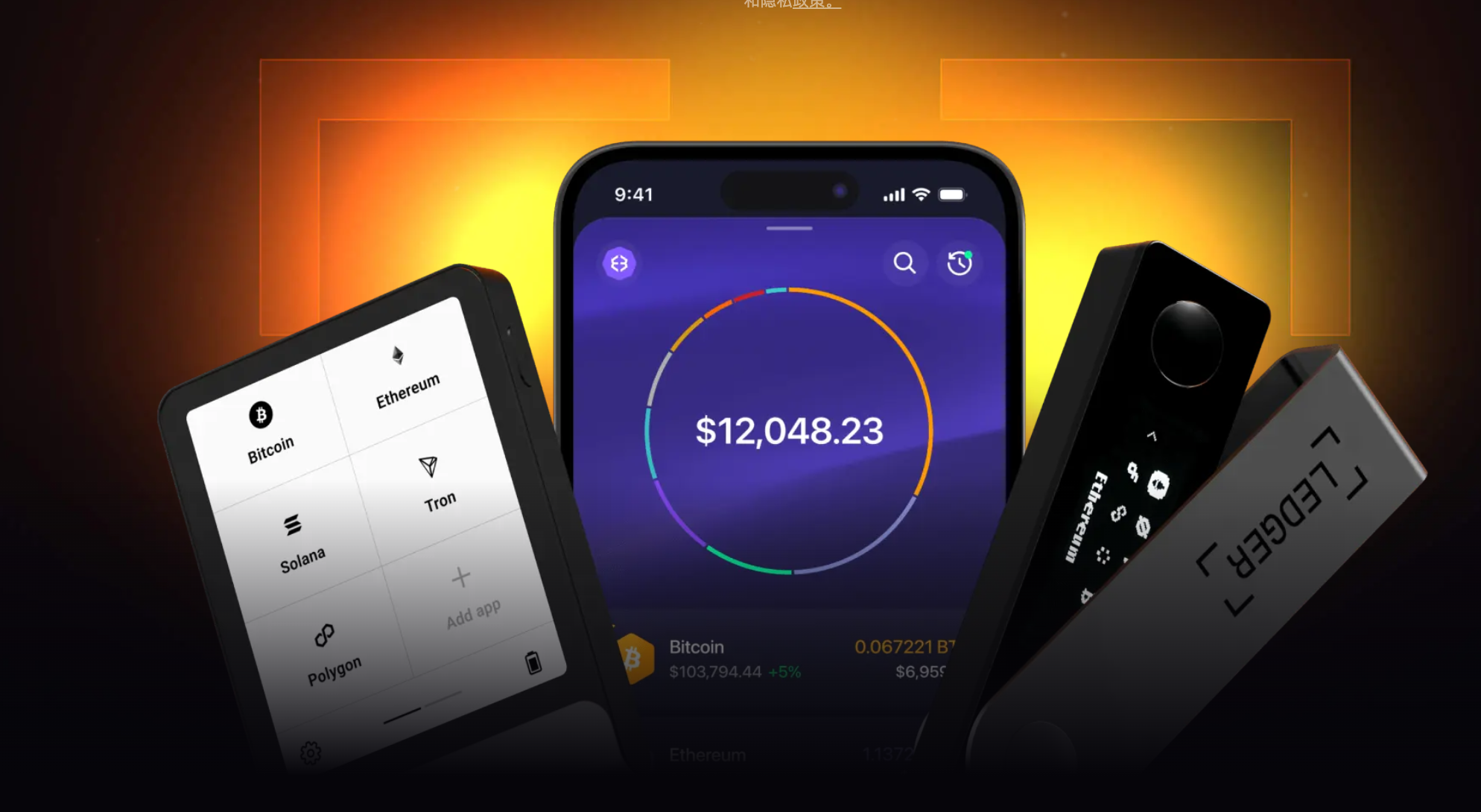
Install the mobile wallet on iOS or Android before connecting supported Ledger workflows.
Get mobile app1Use Ledger Live to initialize the device and install the network apps you plan to manage.
Open Ledger setup2Review assets in Exodus while confirming sensitive operations through your Ledger device.
Learn more3Ledger keeps key confirmation on a physical device, while Exodus gives you a clear interface for viewing assets and preparing wallet actions.
Learn more

 Workflow
Review asset details, addresses, amounts, and network fees in Exodus before confirming supported actions on Ledger.
Desktop walletView supported assets across multiple networks while keeping key self-custody actions tied to your hardware wallet workflow.







Yes. Ledger can be used with Exodus for supported workflows, so you can review assets in Exodus while confirming key actions on the device.
You can view supported assets and networks in Exodus. Availability depends on the asset, network, Ledger app, and current product support.
Ledger support is useful for long-term holders and users who want physical-device confirmation for sensitive self-custody actions.
You need Exodus, a supported Ledger device, and Ledger Live for device setup. Always verify device prompts before confirming wallet actions.
Set up Exodus and Ledger, then use the wallet interface to review assets, prepare transactions, and confirm supported actions on your device.